How to Build a Project Management Workflow That Actually Gets Followed
A project management workflow can look good during planning. Tasks are listed, deadlines are set, and everyone seems aligned. But after a few weeks, the same problems often return. Updates happen in chat instead of the system. Managers still chase for progress. Team members are unsure who owns what. This usually happens because the workflow was designed around a tool, not around how the team actually works.
What Is a Project Management Workflow?
A project management workflow is the process your team follows to move work from planning to completion.It helps clarify:
1. Start With the Real Process
Before choosing a tool, understand how work currently happens. Many teams create task boards and automations too early. But if the setup does not match the real process, people may avoid using it. Start by identifying:
2. Keep the Workflow Simple
A workflow that is too complicated usually fails. If the team needs to update too many fields, choose from too many statuses, or follow too many rules, they may stop using the system. Start with a simple structure:
This is enough for most teams to begin. You can add more details later such as priority levels, approval stages, recurring tasks, and reporting dashboards. The goal is not to build the most advanced workflow — the goal is to build one the team can follow daily.
3. Assign Clear Task Ownership
Tasks often get delayed when ownership is unclear.A task can involve several people, but it should have one clear owner. This person is responsible for moving the task forward and keeping the status updated. Each task should show:
This makes accountability easier and helps managers check progress without interrupting everyone.
4. Build SOPs Into the Workflow
Many companies have SOPs, but they are often stored in separate folders. When the team is busy, they may not open them.A better approach is to connect SOPs directly to the task.For example, a task called "Prepare Client Proposal" can include:
This helps the team follow the correct process without searching through different files.When SOPs are part of the workflow, the system becomes a working guide, not just a task tracker.
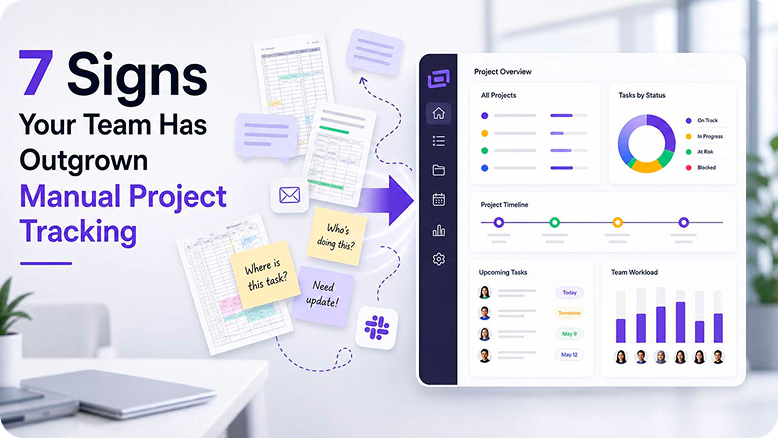
5. Use Dashboards for Visibility
A good workflow should help managers see progress without constant follow-up messages.Dashboards can show progress across projects and teams in one place.Useful dashboard views include:
Keep dashboards focused. Too many charts can make reporting harder to understand. Track only what helps your team make decisions.For example, if late delivery is the main issue, focus on overdue tasks, blocked tasks, and upcoming deadlines.
6. Add Automation After the Workflow Is Clear
Automation can save time, but it should not be added too early.If the workflow is unclear, automation may create more confusion. Define your task stages, ownership, approval process, and reporting needs first.Useful automations may include:
7. Train the Team Properly
Even a good workflow can fail if the team does not know how to use it.Training should explain both how the system works and why it matters. When people understand the benefit, they are more likely to follow it. Training should cover:
A simple internal guide with screenshots can also help the team stay consistent.
Final Thoughts
A project management workflow that actually gets followed is not about using the most advanced tool. It is about building a system that is clear, practical, and easy to use.
When these elements work together, your project management system becomes part of daily operations instead of just another place to update tasks.At ClickSmart, we help Malaysian businesses design digital workflows using ClickUp, Lark, and Meegle. Our work covers strategy, setup, integration, SOP structuring, dashboards, and training, so teams can move from scattered updates to a more structured digital operating system.
Frequently Asked Questions