Common Workflow Automation Mistakes and How to Avoid Them
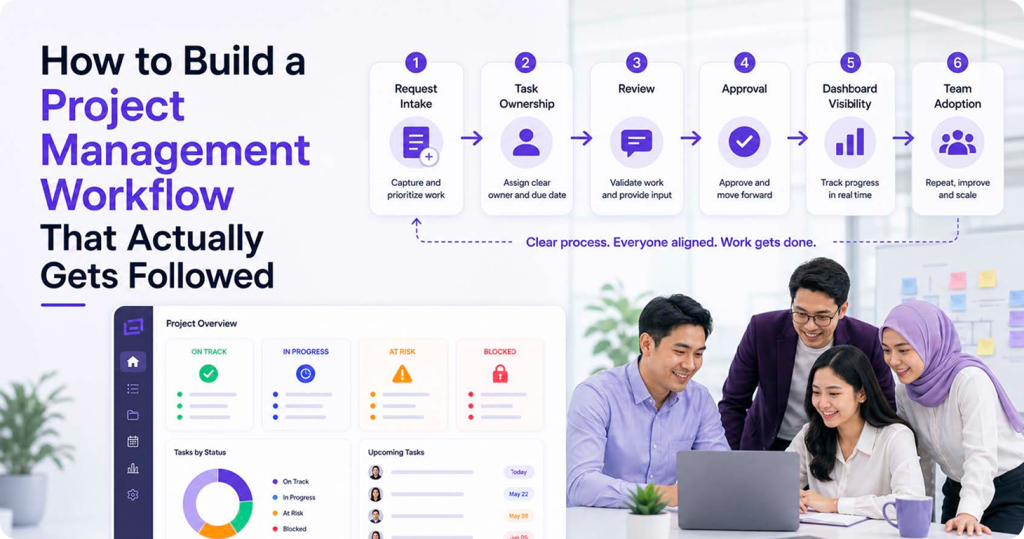
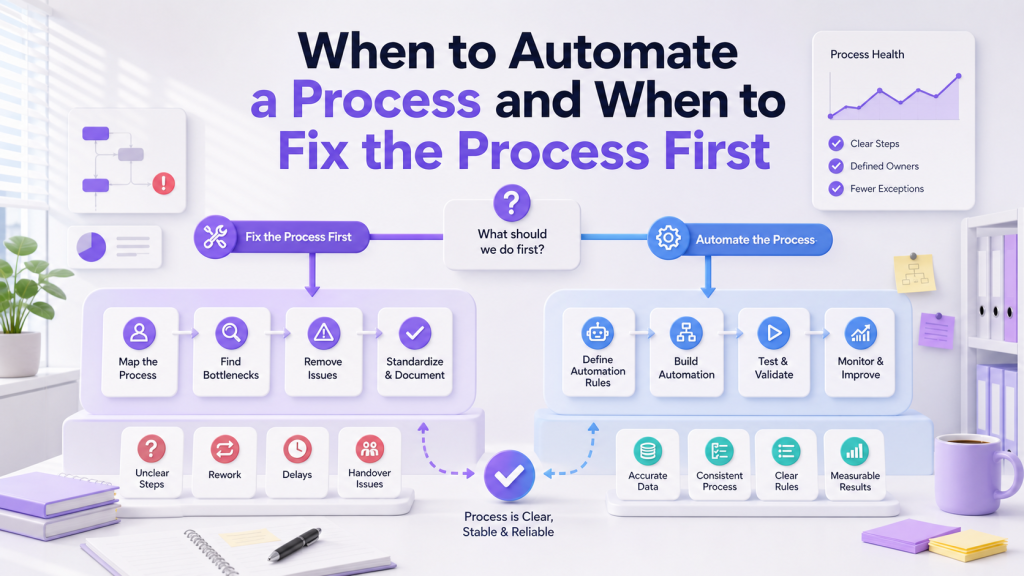
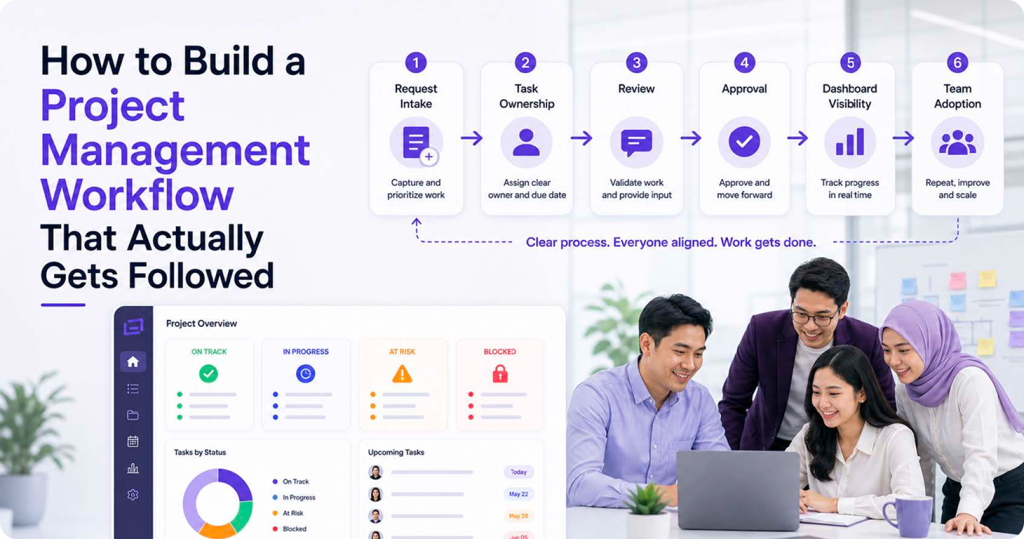
Workflow automation can help SMEs reduce repeated admin work, but it can also create new problems when it is added too quickly. Many teams start with good intentions: fewer reminders, faster approvals, cleaner reporting, and less manual chasing. The issue is that automation does not fix every workflow problem by itself. If the process is unclear, the automation may only move confusion faster from one person to another. For teams facing this, the helpful starting point is often not another automation rule, but a clearer workflow structure. This is the kind of area where working with ClickSmart can be useful, because the discussion usually moves back to ownership, status labels, approval rules, reporting needs, and where the team actually gets stuck before anything is built in ClickUp, Lark, Meegle, or another connected system.
Mistake 1: Automating Before Understanding the Workflow
One common mistake is building automation before the team understands the real process. For example, a manager may ask for automatic reminders without first checking why tasks are delayed. The delay may be caused by unclear ownership, missing information, or too many approval layers. Before automating, map the workflow in simple terms:
Automation works best after these answers are clear. Otherwise, the system may send alerts, move tasks, or notify people without solving the actual problem.
Mistake 2: Creating Too Many Notifications
Notifications are useful only when they help people act. Too many alerts can train the team to ignore the system. This happens when every status change, comment, overdue task, and form submission sends a message. Staff may become unsure which alerts are important and which ones are just noise. A better approach is to start with high-value notifications:
Keep notifications tied to decisions or action. If a notification does not help someone act, it may not need to exist.
Mistake 3: Automating a Broken Approval Process
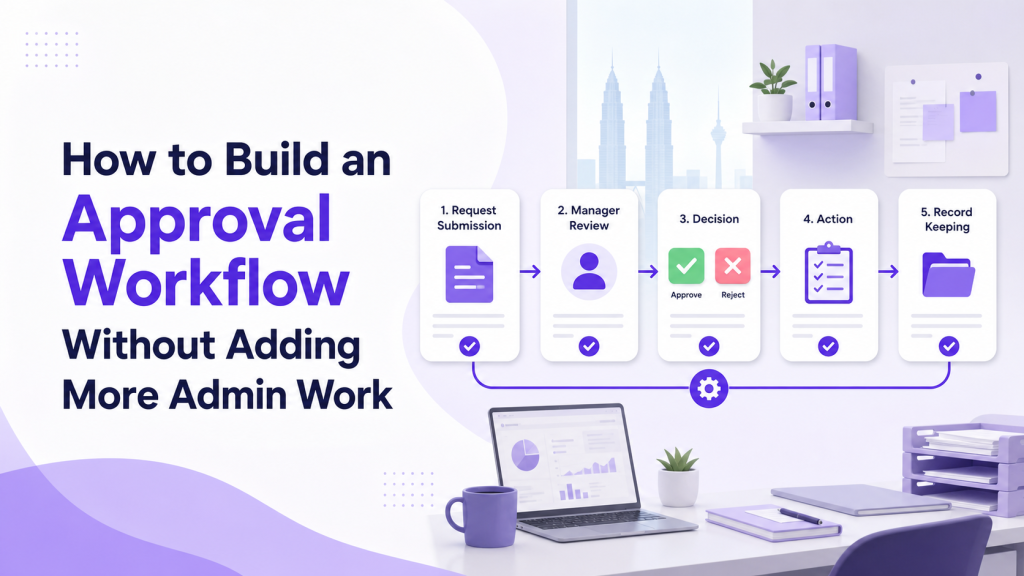
Approvals are a popular place to add automation, but the approval path must be clear first. If nobody knows whether finance, operations, or management should approve a request, automation will not solve the confusion. For Malaysian SMEs, this often appears in purchase requests, discounts, leave approvals, and client proposal reviews. Requests may arrive through WhatsApp, email, or verbal updates, then wait quietly until someone follows up. Before adding approval automation, define:
Mistake 4: Making Rules Too Complicated
Some teams try to build a perfect automation from day one. They add many conditions, exceptions, branches, and special cases. The result may be technically impressive but difficult for the team to understand. A simple rule is easier to test and maintain. For example:
Start with rules the team can explain in one sentence. More advanced conditions can be added later after the workflow proves stable.
Mistake 5: Forgetting to Train the Team
Automation changes how people work. If staff do not understand what the system does, they may continue using old habits such as side messages, manual spreadsheets, or private task lists. Training should explain:
A short SOP or screen guide is often enough. The goal is not to make everyone technical. The goal is to make the workflow easy to follow.
Mistake 6: Not Reviewing Automation After Launch
The first automation version should not be treated as final. Real use will show what works, what confuses the team, and which alerts are unnecessary. After launch, review practical signals:
Conclusion
Workflow automation is most useful when it supports a clear process. It should reduce repeated admin work, not add a hidden layer of rules that nobody understands. For SMEs, the safest approach is to map the workflow first, automate the most repetitive steps, keep rules simple, train the team, and review after launch. When automation is designed around real operations, it becomes easier for teams to follow and easier for managers to trust. If your team wants to avoid these mistakes from the start, ClickSmart can help you map workflows, configure tools, and build automation that your team will actually follow. Book a free consultation to get started.
Frequently Asked Questions