How to Build an Approval Workflow Without Adding More Admin Work
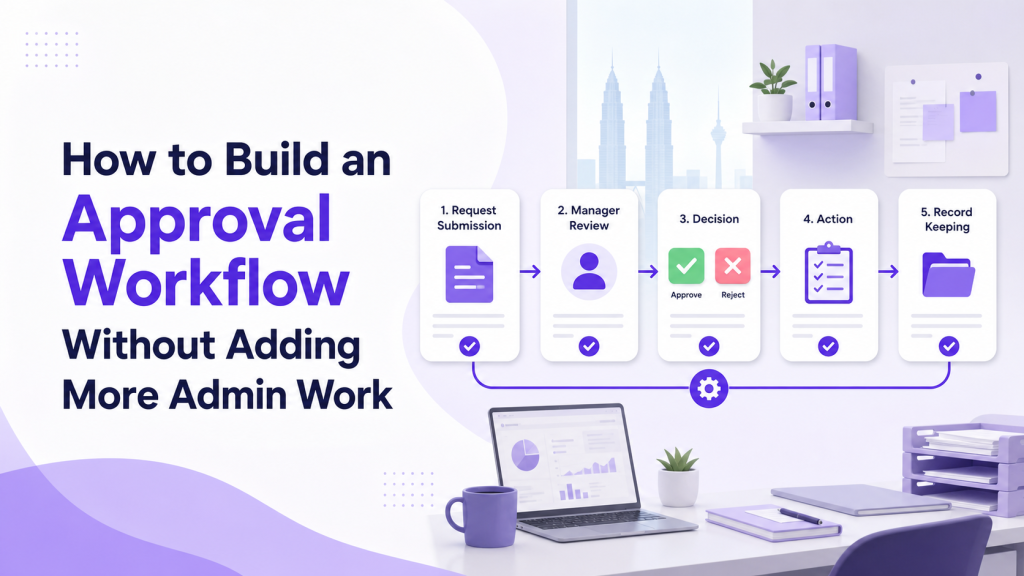
Approvals are necessary in every growing business. Purchases need approval, discounts need approval, leave requests need approval, marketing materials need approval, and client proposals may need management review. The problem is that many approval workflows create more admin work instead of reducing it. Staff chase managers through WhatsApp, managers ask for missing details, and admin teams manually update spreadsheets after each decision. A good approval workflow should make decisions clearer, faster to track, and easier to audit. From ClickSmart's implementation experience, that means giving requesters, approvers, and managers one clear place to see what is waiting, what was decided, and what needs to happen next, without adding control for its own sake or creating a complicated system the team avoids.
Why Approval Workflows Become Messy
Approval problems often start when the process is informal. Someone sends a message, forwards a file, tags a manager, and waits. If the manager is busy, the request sits quietly. If the information is incomplete, the request goes back and forth. Common issues include:
These problems become worse when the business grows or when several departments share the same approval path.
1. Start With the Approval Purpose
Before choosing a tool, define what the approval is meant to control. Not every decision needs the same workflow. For example:
When the purpose is clear, it becomes easier to decide what information is required and who should approve it.
2. Create One Intake Point
A strong approval workflow starts with a clear intake point. This could be a form, request board, or approval module. The important thing is that staff know where to submit requests. A good intake form should collect only the information needed to make a decision. Useful fields may include:
Avoid asking for too much information. If the form feels difficult, staff may go back to chat messages.
3. Define Approval Rules Clearly
The workflow should show who approves what. This prevents unnecessary escalation and reduces waiting time. Simple rules might include:
Do not overbuild the approval chain. If too many people need to approve every request, the workflow becomes slow and frustrating.
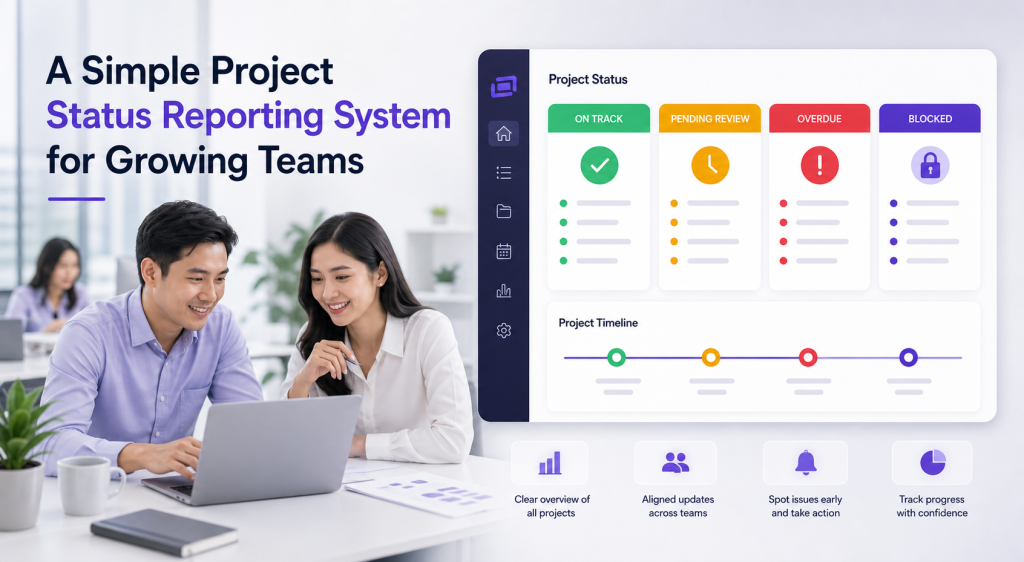
4. Make Status Visible to Everyone Involved
One of the easiest ways to reduce follow-up is to make request status visible. Useful statuses include:
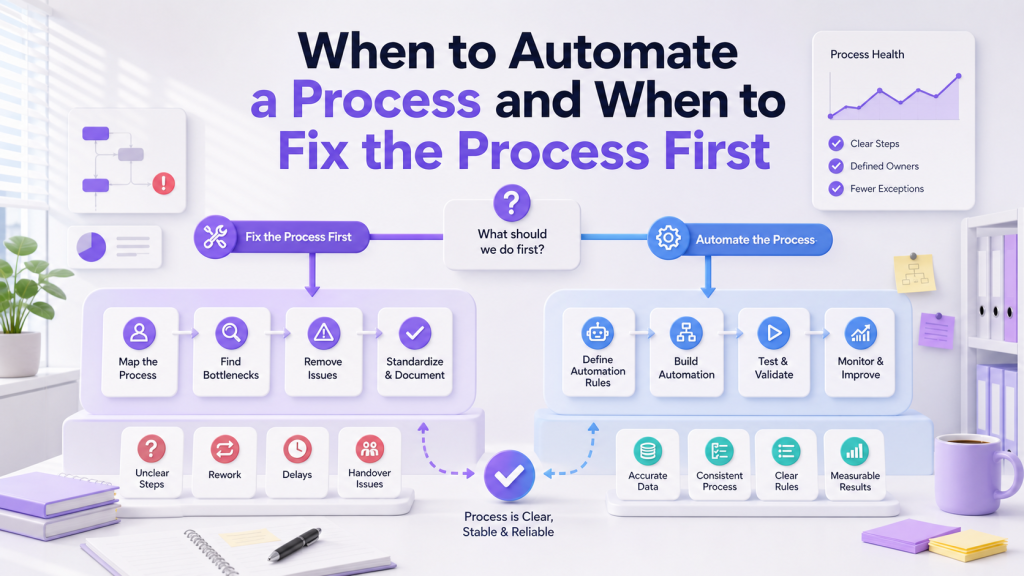
5. Use Automation Carefully
Automation can reduce admin work, but only if the approval workflow is already clear. Useful approval automation includes:
6. Keep an Approval Record
Approvals should leave a clear record. This is useful for internal accountability, finance checks, HR reference, and management review. A good approval record should show:
This does not need to be complicated. The key is to keep the record in the same place as the request.
7. Train the Team on the New Process
Even a well-designed approval workflow can fail if the team does not understand it. Training should be practical and short. Explain:
Managers also need to understand their responsibilities. If approvers do not review requests regularly, the workflow will still get stuck.
8. Review After the First Few Weeks
After launch, review the approval workflow with real examples. Ask:
This review helps the business improve the workflow without making it heavier than needed.
Final Thoughts
An approval workflow should make decision-making clearer, not more administrative. The best setup starts with one intake point, clear approval rules, visible statuses, useful automation, and a reliable approval record. For Malaysian SMEs, the goal is practical control. Teams should know where to submit requests, managers should know what needs attention, and the business should have a clear record of decisions. When the workflow is simple enough to follow, approval becomes a managed process instead of a daily chasing exercise. If your team is ready to build a cleaner approval process, ClickSmart can design and configure the right workflow using ClickUp, Lark, or Meegle. Book a free consultation to get started.
Frequently Asked Questions