5 Repetitive Processes You Should Automate First
Every growing business has repeated work that quietly takes up time. Staff copy information from one place to another, managers send the same reminders, admin teams chase the same approvals, and reports are prepared manually every week. At first, this may feel normal. But as a Malaysian SME grows, repetitive processes can slow the team down and create unnecessary mistakes. Automation can help, but only when the business chooses the right processes first. The best processes to automate are usually simple, frequent, rule-based, and already understood by the team. In ClickSmart's experience, strong automation candidates are the tasks teams keep repeating manually, especially recurring admin work with clear triggers, clear owners, and a predictable next step. Here are five areas SMEs should consider before moving into more advanced automation.
1. Internal Request Intake
Many teams still receive internal requests through WhatsApp, email, calls, or casual conversations. This makes it difficult to track what was requested, who approved it, and whether it was completed. Examples include:
A better setup uses a form or structured request channel. When someone submits the request, the system can automatically create a task with the right category, owner, and due date. This helps the team avoid missing requests and gives managers a clearer view of workload.
2. Approval Follow-Ups
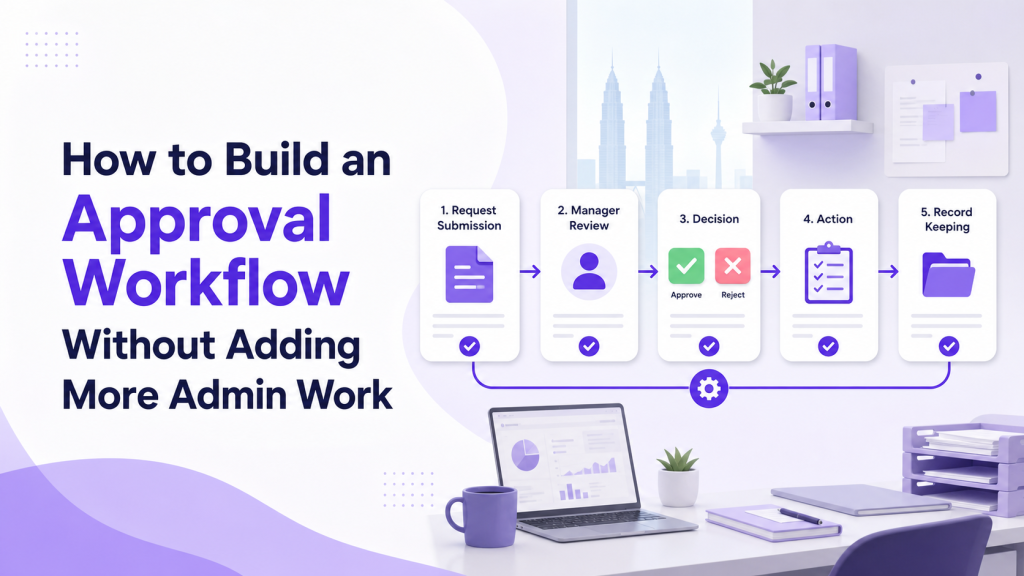
Approvals are one of the most common sources of delay in SMEs. A request may be waiting for a manager, but nobody notices until the requester follows up again. Approval automation can help by:
This is useful for leave requests, purchases, client discounts, marketing materials, payment approvals, and management sign-offs. The key is to keep the approval path simple. If every request needs too many layers, automation will not fix the underlying problem.
3. Recurring Tasks
Many teams repeat the same operational tasks weekly or monthly. Examples include reporting, stock checks, billing reviews, campaign preparation, client follow-ups, and team meeting preparation. Instead of relying on memory, recurring tasks can be created automatically. A recurring task should include:
4. Status Update Reminders
Managers often spend too much time asking, "Any update?" This usually means the system is not showing progress clearly enough. Automation can send gentle reminders when:
The goal is not to pressure people with too many alerts. The goal is to make important exceptions visible. If reminders are too frequent, staff may ignore them. Start with only the most useful reminders and adjust based on team feedback.
5. Reporting Preparation
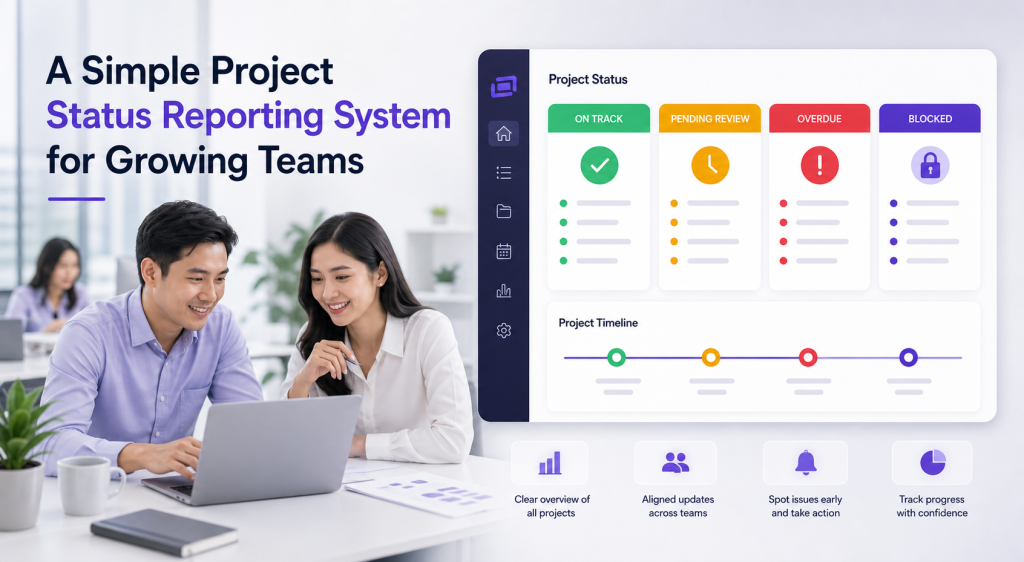
Reports often take longer than they should because teams manually collect updates from many sources. A manager may copy data from task lists, spreadsheets, chats, and emails just to prepare a weekly report. Reporting automation can help by pulling information from the workflow itself. Useful report signals include:
How to Decide What to Automate First
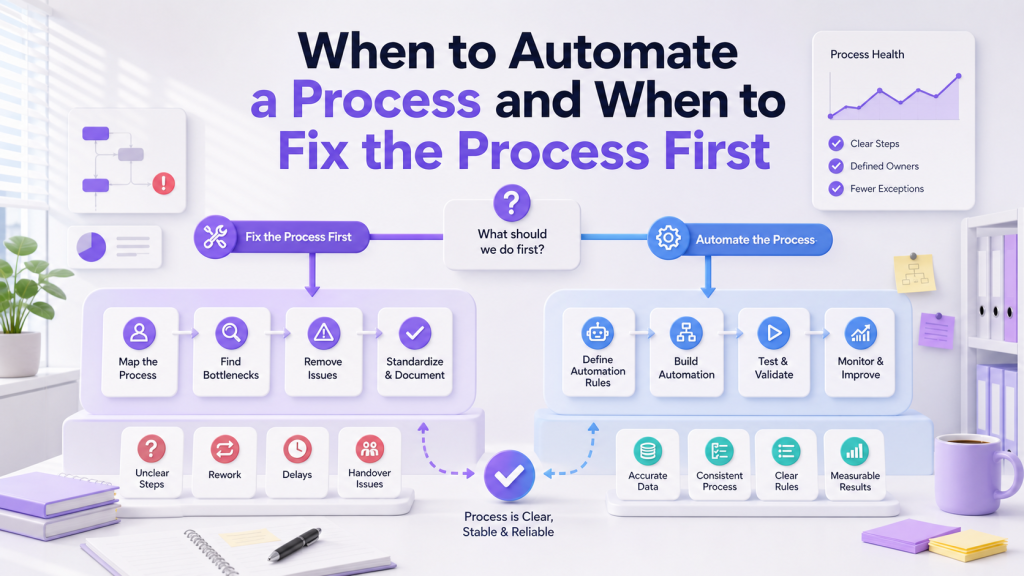
Before building automation, ask three practical questions. First, is the process repeated often? Automation is most useful when the work happens regularly. Second, are the rules clear? If every case is different, the workflow may need better structure before automation. Third, does automation reduce real work? A useful automation should reduce chasing, copying, checking, or reporting effort. Avoid automating a process just because the tool allows it. Start with the work that creates the most repeated admin burden.
What to Avoid
Common automation mistakes include:
Automation should make work easier to follow, not harder to manage.
Conclusion
The best first automation projects are not always the most impressive ones. They are the repeated processes that waste time every week. For Malaysian SMEs, internal request intake, approval follow-ups, recurring tasks, status reminders, and reporting preparation are practical places to start. When these workflows are clear and simple, automation can reduce admin work and help managers see what is happening without constant chasing. If you are ready to identify and automate your first workflows, ClickSmart can help you map the process and configure the right tools. Book a free consultation to get started.
Frequently Asked Questions